Basic Installation ecombase
The Installation of MailBeez 2.5 is successfully tested with ECB 1.08, running on php 5.3+
The installation is straight forward and can be done in a couple of minutes by following these steps:
- copy new files
- add permission (half automatic)
- Install MailBeez
MailBeez is maintaining it’s own tables – the shops existing table stay as they are.
Step 1 – copy new files
If not done yet please download and unzip the installer package (.zip) on your computer: Download
copy following file to your admin-directory
mailbeez.phpcopy following file and folder to your catalog-directory (where your index.php is located)
mailhive (folder)
mailhive.php
Step 2 – modify existing files
1. Add a menu entry
located and open the file
admin/includes/header.phpfind
BOX_RSS => array('acl' => true,
                 'link' => array(FILENAME_CONFIGURATION, 'gID=27'),
                 'icon' => 'icon_rss.png'),
add after
'MailBeez' => array('acl' => true,
                    'link' => 'mailbeez.php',
                    'icon' => '../../../mailhive/common/images/minibeez.png'),
this will add the menu-entry “MailBeez” to your Tools-Box. Feel free to place this link whereever you want.
Step 3 – add permission
run
(shop)/mailhive.phpthis will add the required permission for MailBeez for the primary admin account. If necessary add admin permission for MailBeez for secondary admin accounts as well
Run Installation
Just click on the new menu item to open the MailBeez Installer:
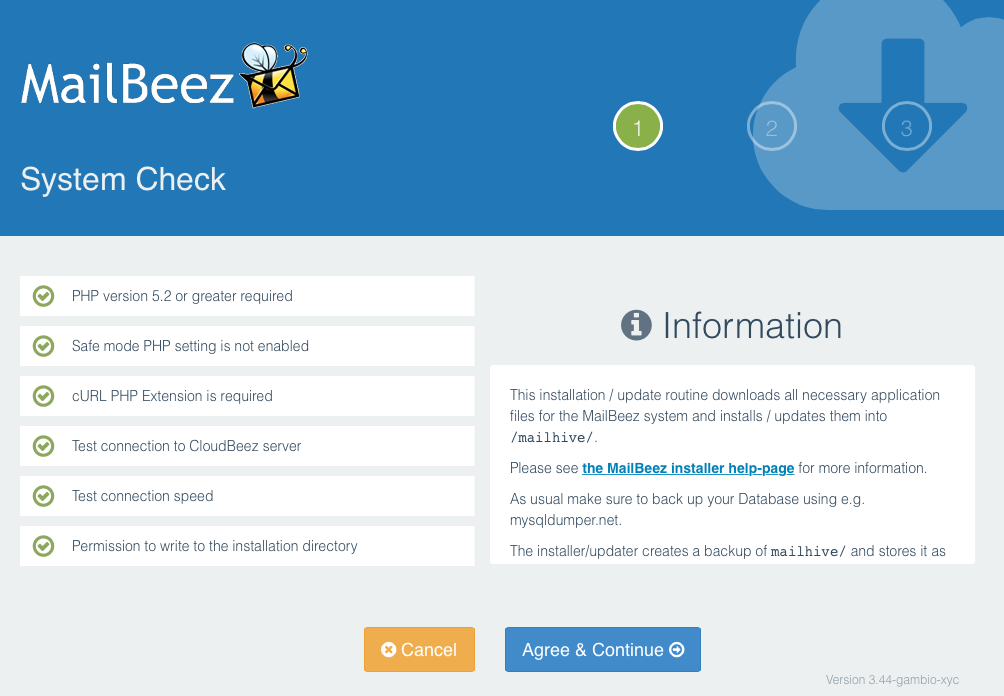
The installer guides you through the process and stops if there are any issues.
Found errors? Think you can improve this documentation?
edit this page