MailBeez is dead. At least, as you knew it. Before you send flowers: the MailBeez V5 Release Candidate is available now. We're not done yet.
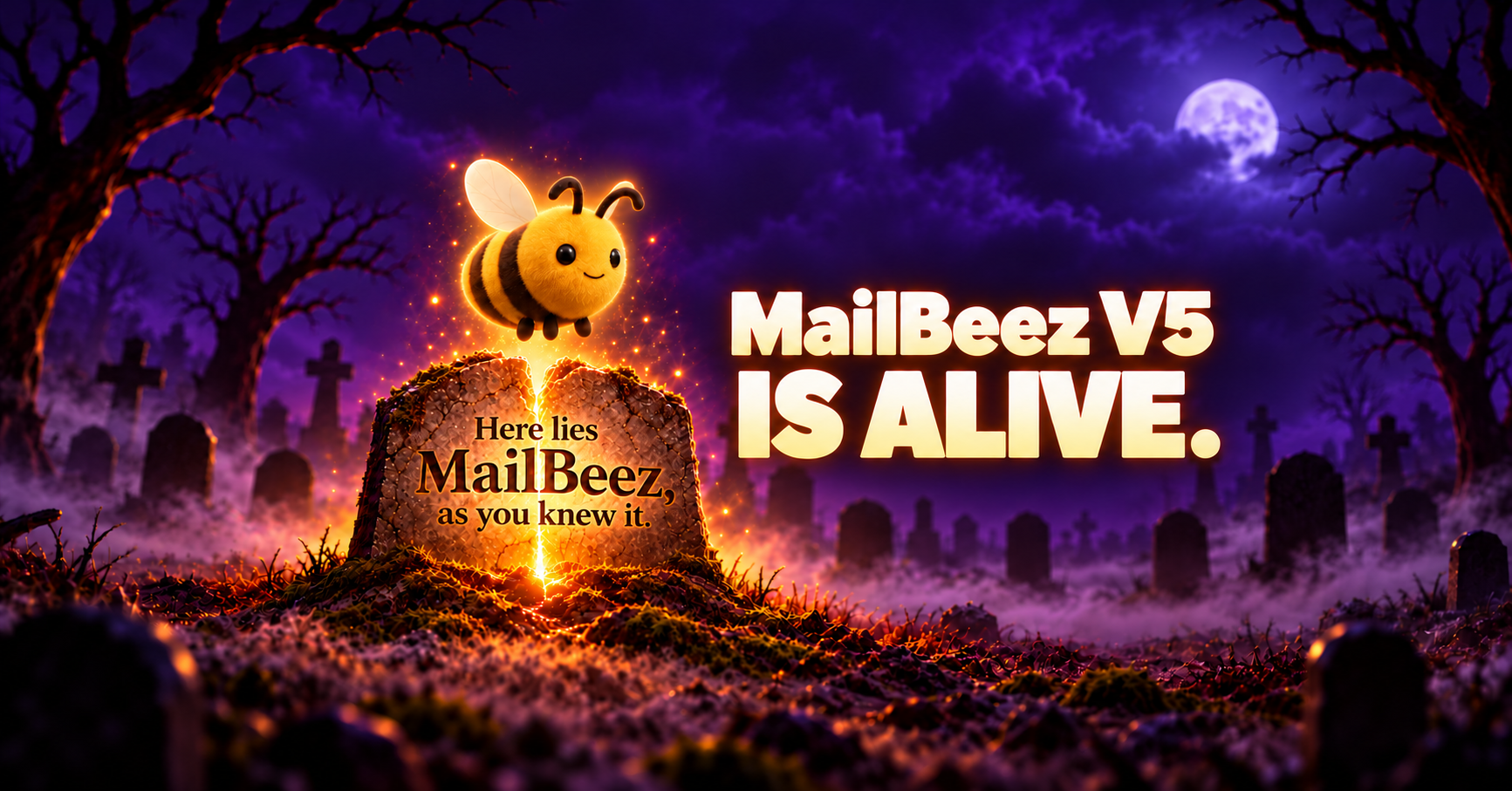
The funeral is cancelled
Almost a year ago, on Halloween 2025, we released the first MailBeez V5 beta. Since then, we've rebuilt, tested, listened to feedback — and rebuilt a few things again. Thanks to everyone who joined in, especially those who told us when something was annoying.
Now the MailBeez V5 Release Candidate is here. You can try it today.
What's a “Release Candidate”?
It's the version we're putting forward for the final release. Not the final release yet, but the next step after the beta phase.
What matters now is how it works in your shop. Do your usual workflows make sense? Can you find the settings you need? Does something still take one click too many? That's what we'd like to hear.
What to expect in MailBeez V5
If you tried the early betas, some things will look familiar and others will be new. Here are the main changes that have come together during the beta phase.
Less searching, more doing
MailBeez V5 has a new, standalone interface, with redesigned navigation and more clearly organised sections. Newsletters, automations, audiences and templates are easier to keep track of. You should be able to find your way around even if you don't use MailBeez every day.
A tidier newsletter archive
“Where did we put last year's Christmas campaign?”
That's what collections, favourites and the archive are for. Group newsletters by topic or occasion, mark the ones you use most and keep older campaigns without having them clutter up your workspace.
An editor that understands “Actually, no”
The redesigned email editor includes undo, redo and zoom. Try a change. If it doesn't work, take a step back.
The preview lets you check mobile layouts, see the subject line and turn images off. After all, your email should still have something to say when the pictures don't load.
See how your automations work
The Flow view shows how your automated campaigns are put together. Filters and groups help you find the right workflow; switch to the Performance view to see its results.
Your mailings on the calendar
The Marketing Calendar shows scheduled and sent mailings. You can also subscribe to it in your calendar app. Handy when Halloween, Black Friday and Christmas are already competing for space in your diary.
The features available to you depend on your installed modules and package.
And after the release?
MailBeez V5 also gives us the foundation for what's next. That includes MAIA, our upcoming AI assistant. We're working on more features to make setting up and refining your email campaigns easier, too. More on those soon — today belongs to the Release Candidate.
Try MailBeez V5 now
Update your MailBeez core and Pro package to the latest available versions. Then open MailBeez V5 from your administration area — during the beta phase, the link was labelled “MailBeez V5 Preview”.
As usual, make a backup before updating. Then pick a familiar mailing: open it, edit it, check the preview and send yourself a test. It's a quick way to get a feel for the new interface.
If the Release Candidate isn't showing up, or you need a hand getting started, get in touch.
Something still haunting you? Let us know.
If something goes wrong, send us the steps that led to it, along with your MailBeez versions and shop system. A screenshot without sensitive customer data helps, too. And if something works particularly well, we're always happy to hear that.
MailBeez V5 is alive. The Release Candidate is here. Give it a try — if you dare.