To try MailBeez V5, please update the MailBeez core to v4.9.60+ and the Pro package. You’ll see the link “MailBeez V5 Preview” at the top — you can switch back at any time.
MailBeez V5 Beta 5 & 6
We have been working hard to implement countless improvements since the last beta. This update covers both Beta 5 and Beta 6, bringing a more refined user interface, a completely redesigned newsletter concept, and a state-of-the-art email editor.
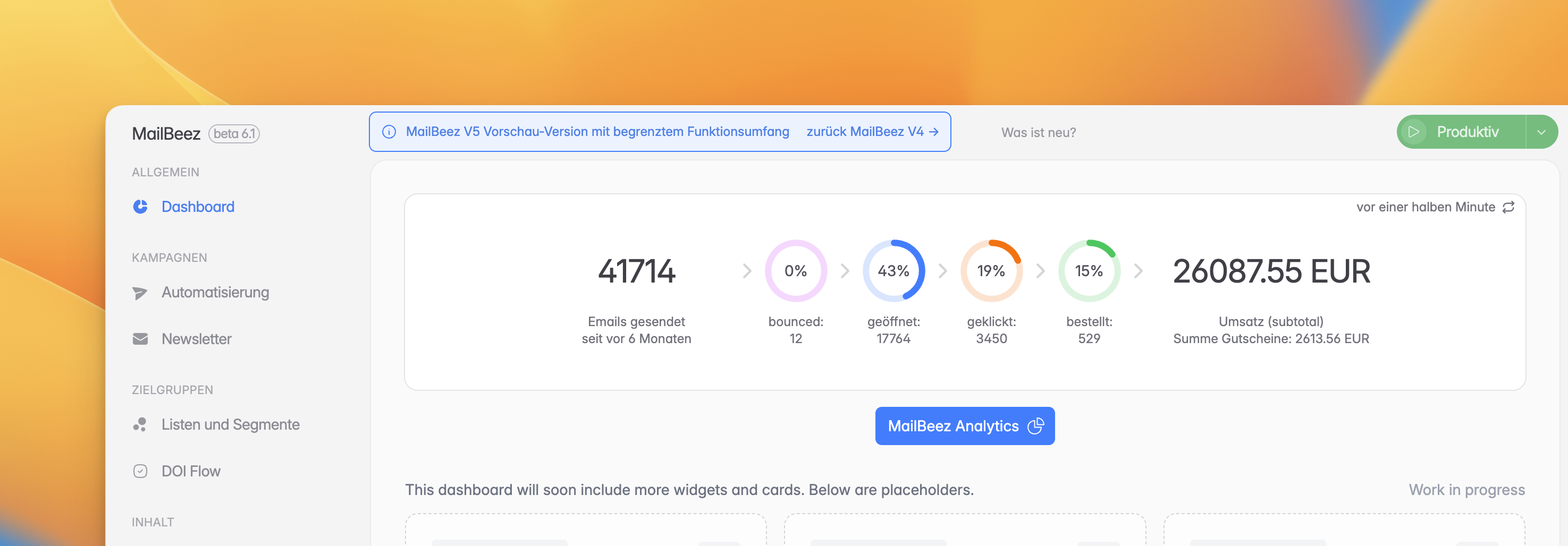
Modernized User Interface
The MailBeez V5 UI is becoming more polished with every update. You will notice a new rounded content area and a modernized status selector for switching between simulation and production modes. We also unified the update notifications for Core and Pro updates and added a handy changelog modal so you can see what’s new directly within the app.
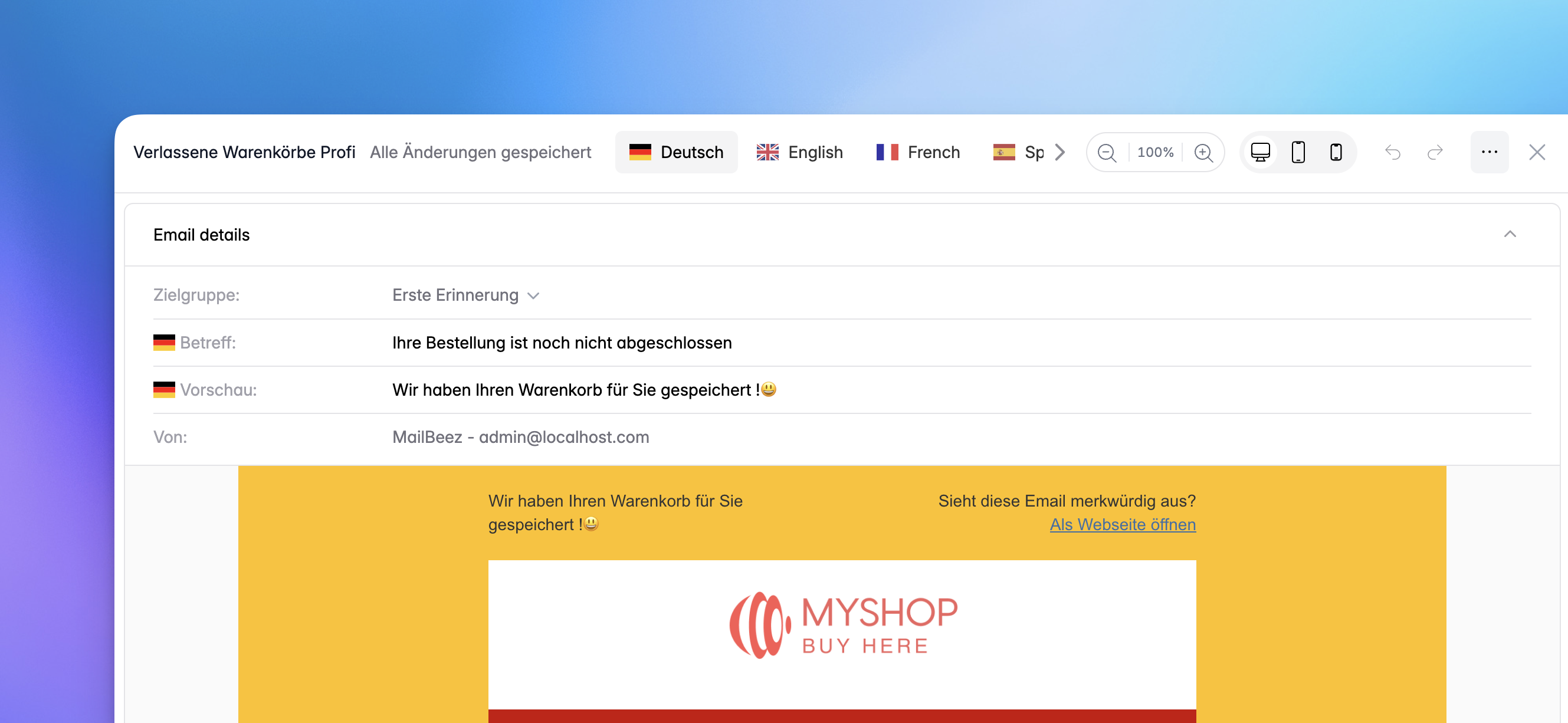
State-of-the-Art Email Editor & Preview
The heart of MailBeez, the email editor, has received a complete UI/UX overhaul. It now features Undo / Redo functionality and Zoom for pixel-perfect adjustments.
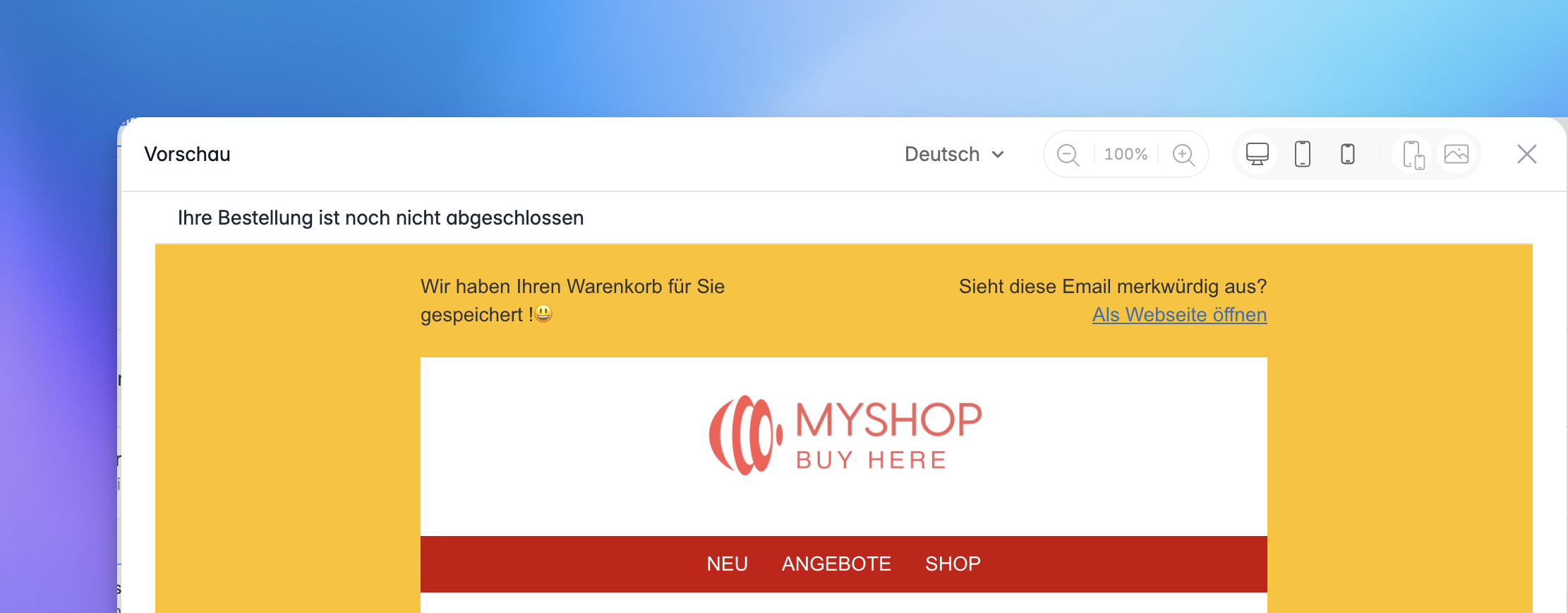
The Email Preview is now more powerful than ever:
- Device Mockups & Mobile Sizes: See exactly how your mail looks on different devices.
- Disable Images: Check the readability of your emails even when images are blocked.
- Subject Display: The subject line is now shown directly in the preview.
- Zoom & Improved UI: Get a better look at your designs with the new zoom feature.
Redesigned Newsletter Management
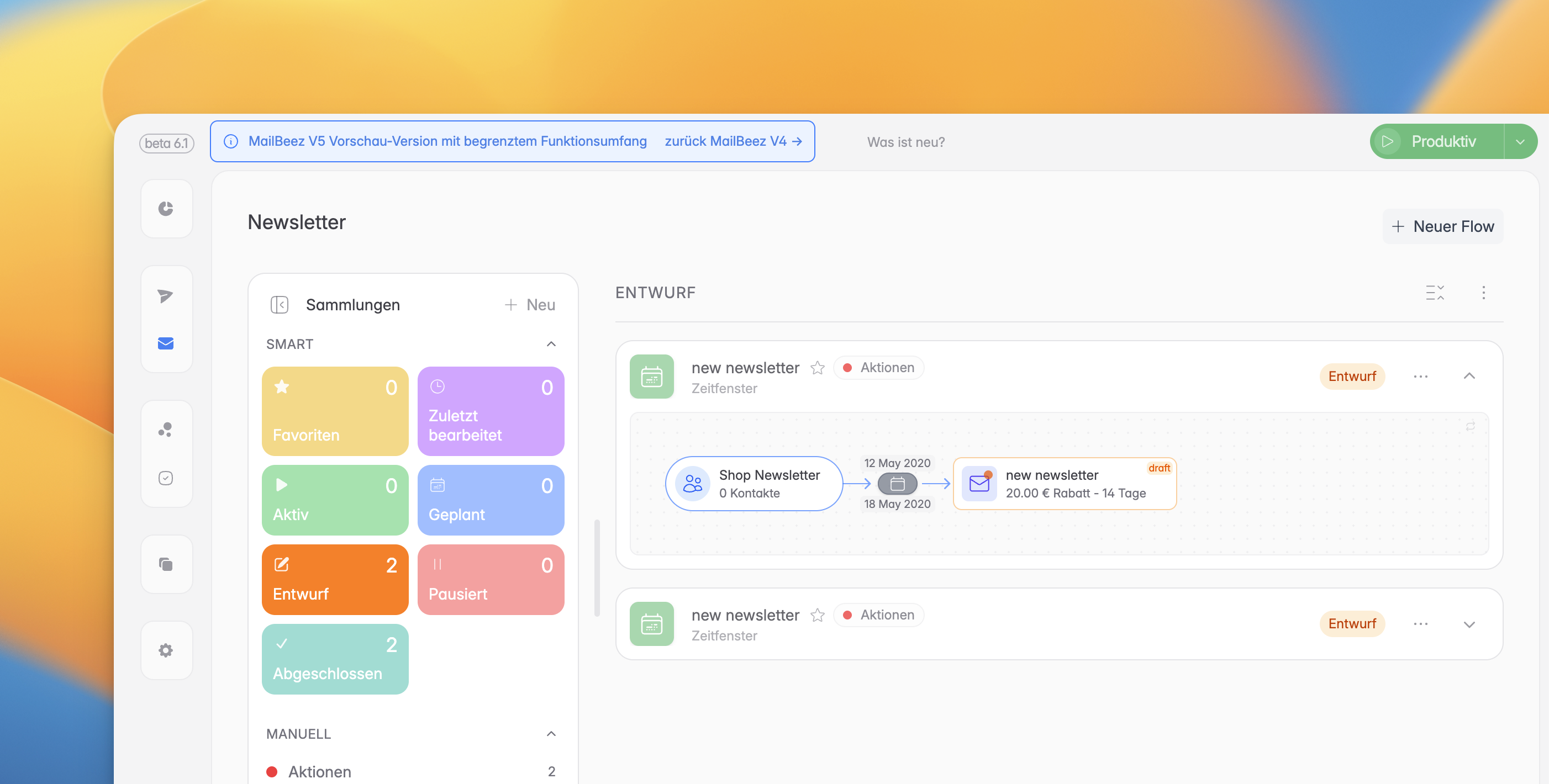
We have completely rethink how you manage your newsletters. The new Collections concept allows for better organization:
- Smart Filters & Color Dots: Easily distinguish between different types of newsletters.
- Resizable Menu: The collections menu can now be collapsed or resized to fit your workflow.
- Optimized Loading: Blazing fast performance, even with a large number of newsletters.
- Favorites & Archive: Keep your most important newsletters at hand and archive old ones without deleting them.
The newsletter functionality itself has also been improved:
- Newsletter Selection: You can now easily select between Bulk, Scheduled, and Automation newsletters.
- Bulk-Mailing Completion: Bulk mailings are now automatically marked as completed once all emails are sent – no end-date required.
Improved Automations & Flows
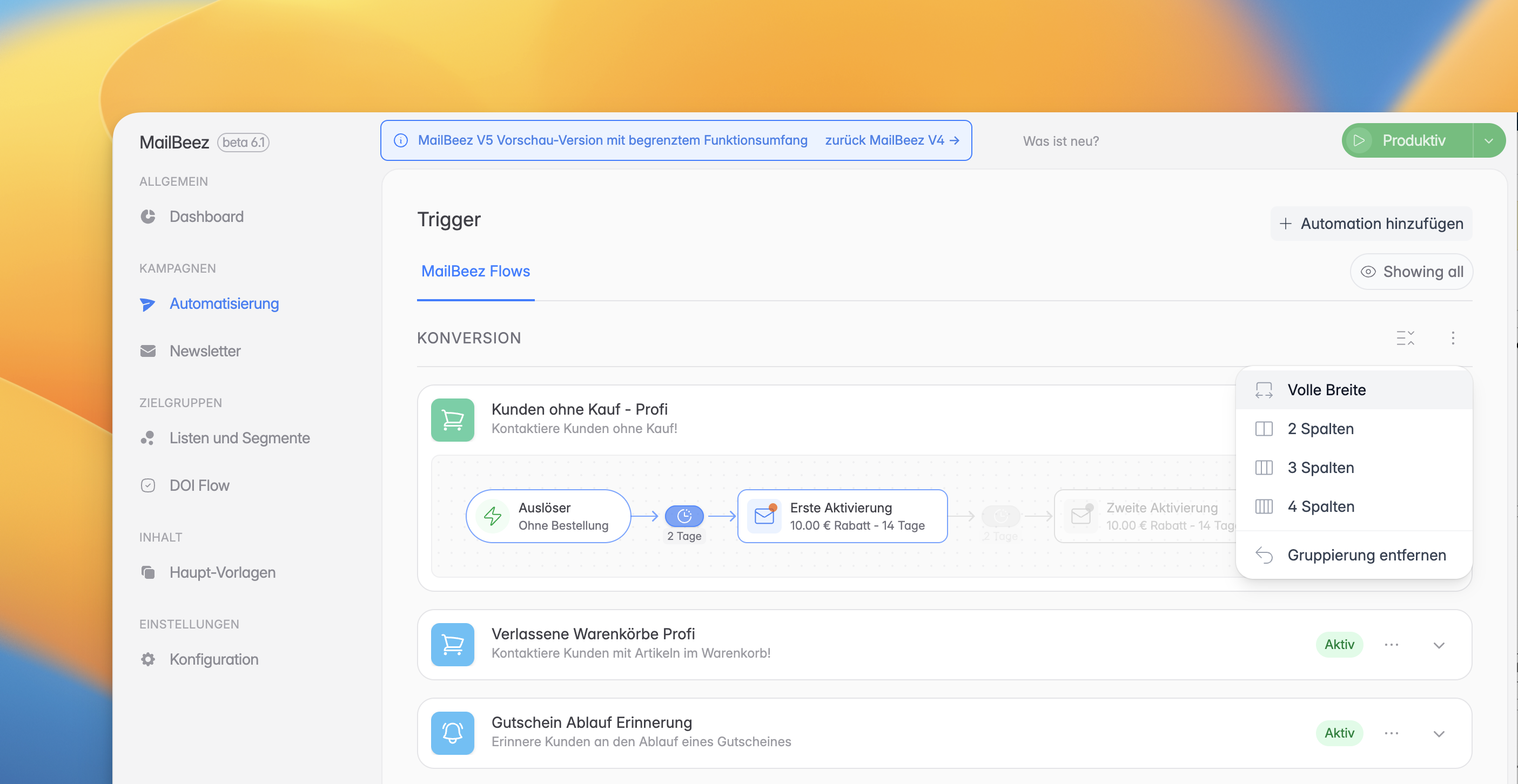
The Flow UI/UX has been optimized with better colors and UI components. The Automations view now allows grouping by touchpoint or using pill filters. You can also toggle the visibility of disabled modules and choose between a list or grid layout. The Newsletter Double-Optin-Flow now features a clear visualization for easier configuration.
Audience & Template Management
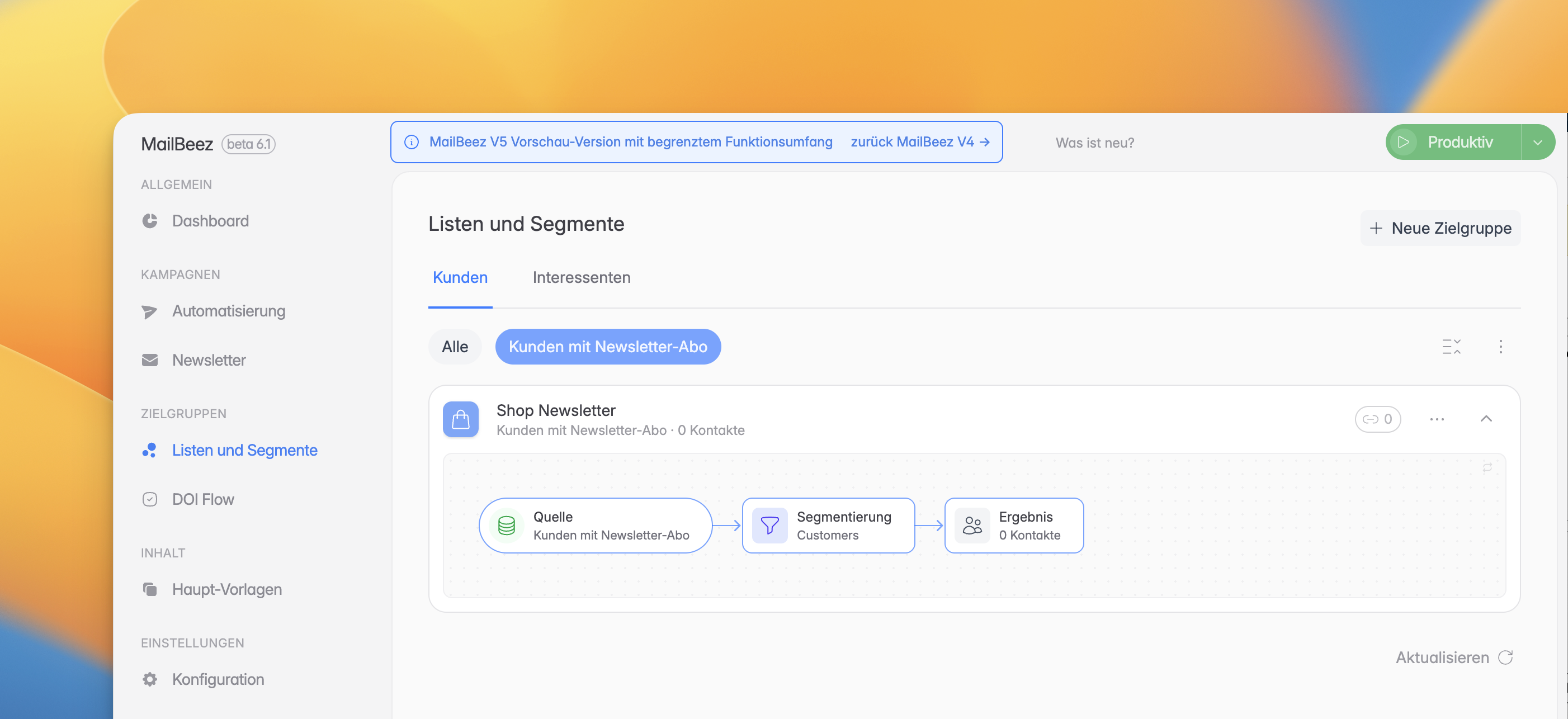
- Audience View: Now features tabs for Customers and Prospects, with pill filters for sources. You can also see the "usage" to list all newsletters using a specific audience.
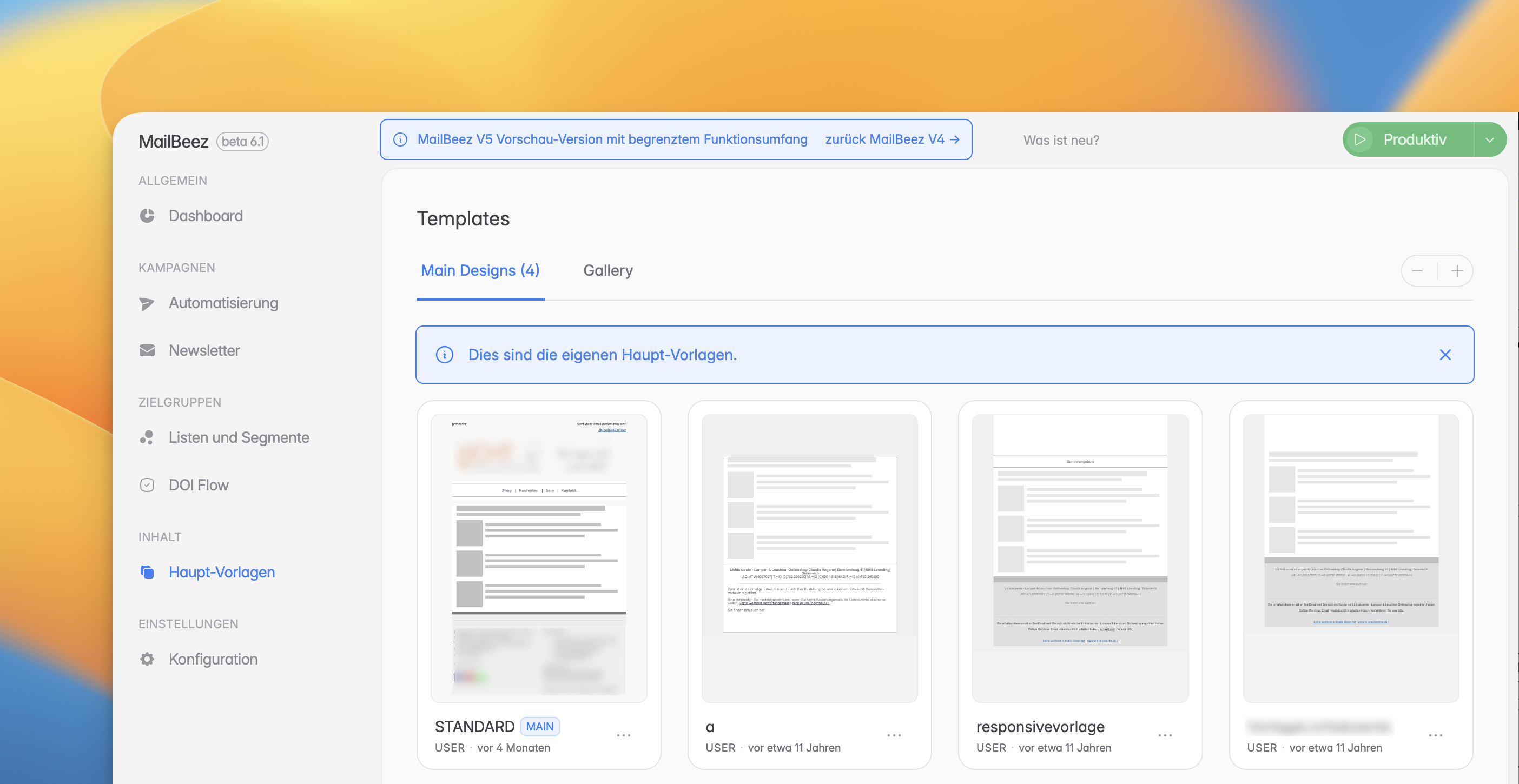
- Main Template View: A new zoomable gallery view makes it easy to pick the right template. You can also see which modules are using each template.
Improved Configurations
While still focused on essentials, the configuration area has received UI and UX improvements to make settings more intuitive.
Highlights at a glance
- New Email Editor: Modern UI/UX with Undo/Redo and Zoom support.
- Enhanced Preview: Realistic device mockups and mobile size testing.
- Newsletter Collections: Flexible organization with favorites, archiving, and smart filters.
- Unified Updates: Clearer notifications for Core and Pro packages.
- Better Visualization: Optimized Flow UI and visual Double-Optin configuration.
As always, we are eager to hear your thoughts. Your feedback helps us shape the future of MailBeez V5!
Thanks for testing MailBeez V5!