osCommerce 2.2
MailBeez works with osCommerce ms2.2 / rca2, running on php 5.3+
The installation is straight forward and can be done in a couple of minutes by following these two steps:
- copy new files
- modify existing files
Step 1 – copy new files
If not done yet please download and unzip the installer package (.zip) on your computer: Download
copy following file to your admin-directory
mailbeez.phpcopy following file and folder to your catalog-directory (where your index.php is located)
mailhive (folder)
mailhive.php
Step 2 – modify existing files
located and open the file
admin/includes/boxes/tools.phpfind
BOX_TOOLS_WHOS_ONLINE . '</a>'add
. '<br><a href="' . tep_href_link(FILENAME_MAILBEEZ, '', 'NONSSL') . '">MailBeez</a><br>'this will add the menu-entry “MailBeez” to your Tools-Box.
Feel free to place this link whereever you want.
Run Installation
Just click on the new menu item to open the MailBeez Installer:
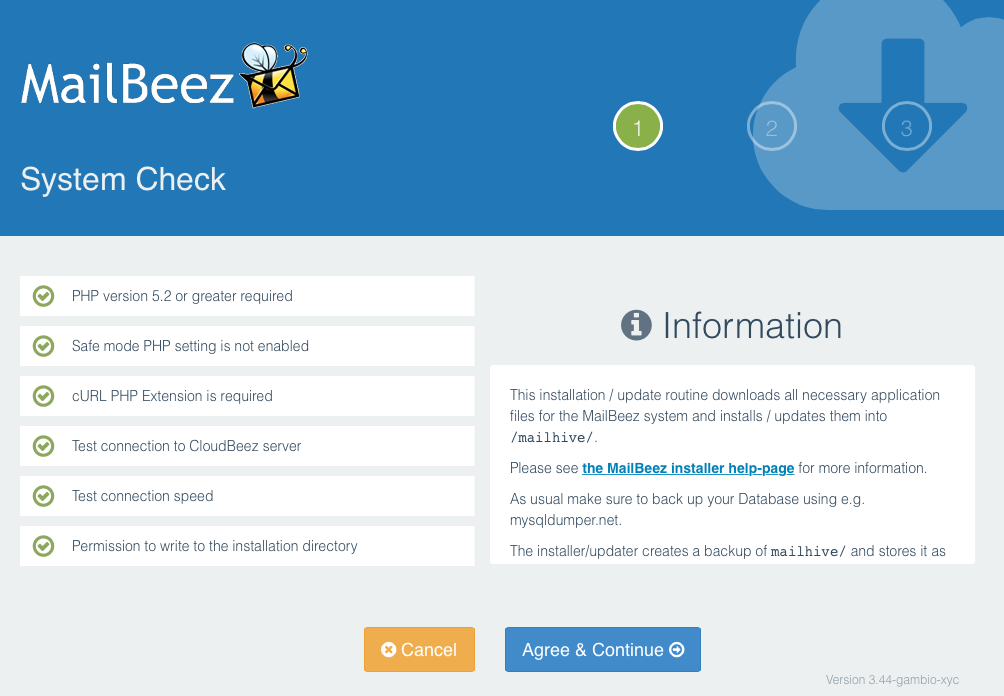
The installer guides you through the process and stops if there are any issues.
Found errors? Think you can improve this documentation?
edit this page